
Buyers comparing step-drill assortments need to know which holes each tool actually covers. Two tools with the same largest diameter can have different increments and usable depths.
Read the Diameter Sequence
List the finished holes first, then compare them with the chart for each tool.
A hole between two available steps is not covered merely because it falls within the overall range.
A range endpoint does not tell you every intermediate step. List required hole diameters individually before combining several sizes into one purchase line.
| Chart field | What it tells you | What to compare |
|---|---|---|
| First and last diameter | Endpoints only | Required smallest and largest holes |
| Individual steps | Actual diameter coverage | Every finished hole in the job |
| Increment | Change between steps | Gaps in the requested coverage |
| Step depth | Usable depth at a diameter | Workpiece thickness |
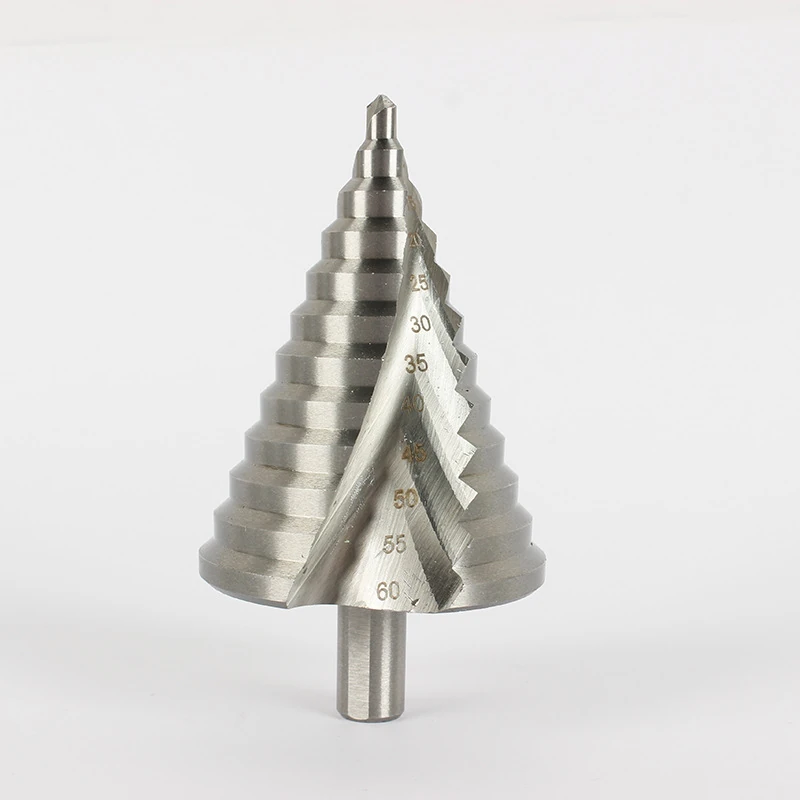
Check Thickness Against the Step
The relevant depth is the usable cutting length at the required diameter.
The next shoulder can begin enlarging the entry before a thick workpiece has been drilled through.
Use the depth of that specific step.
Check the tool instructions instead of treating overall tool length as drilling capacity.
Once the next larger step reaches the sheet, it can widen the opening. Useful step depth must therefore be read alongside the material thickness.
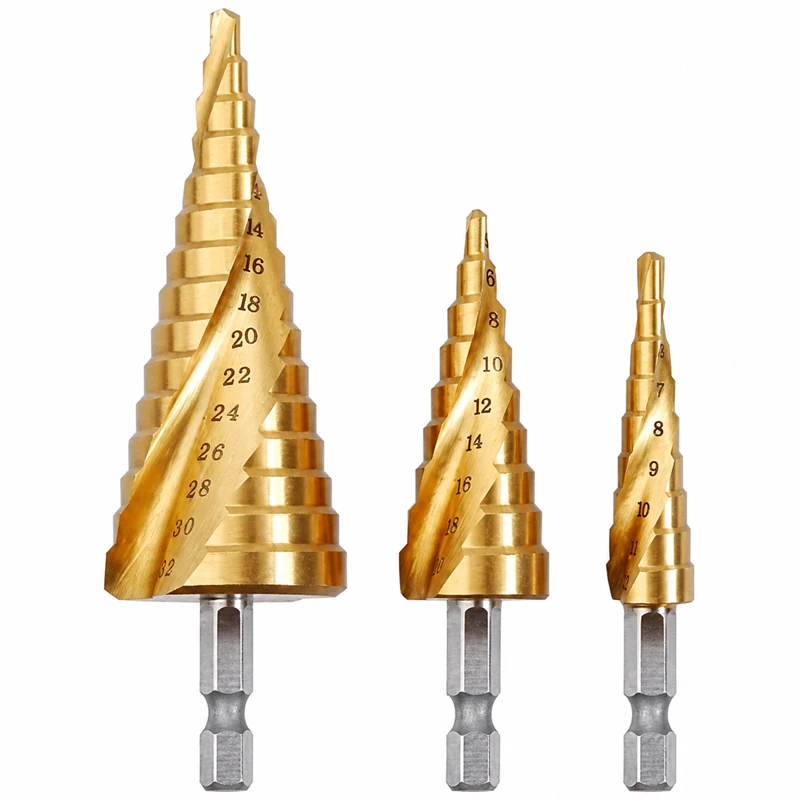
Compare Overlapping Ranges
A small-range and large-range tool can overlap while serving different hole patterns.
Retain both only when their sequences or working access answer different customer needs.
Overlapping tools may cover the same nominal diameter without matching step depth or flute form. Remove duplicates only after checking those fields.
| Buyer requirement | Range decision |
|---|---|
| Several recurring hole sizes | Choose sequences that include those exact steps |
| One repeated diameter | Check its usable depth and repeat-hole requirements |
| Existing assortment replacement | Compare each original sequence, not only case contents |
| Restricted access | Check body clearance and shank reach |
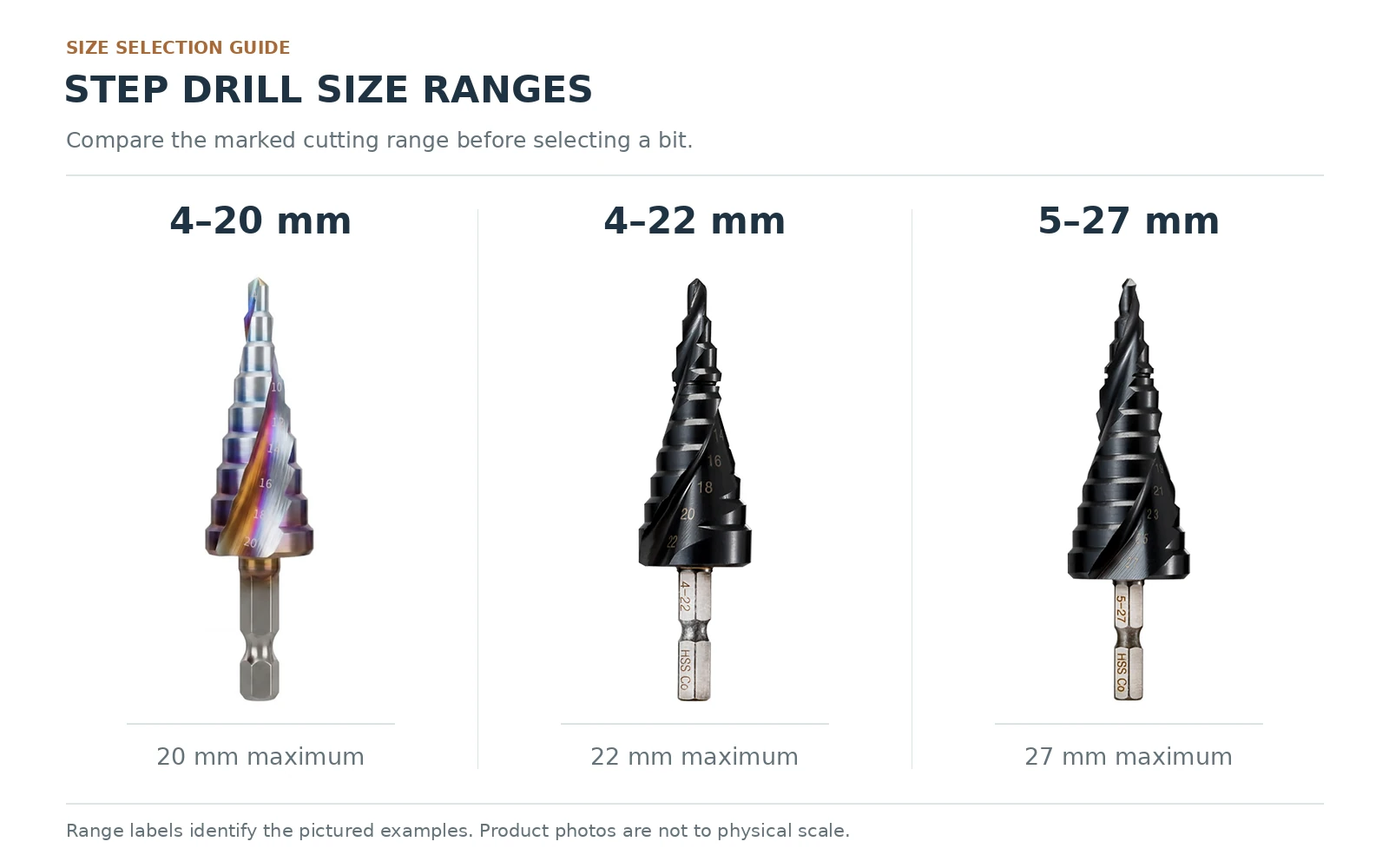
Compare the pictured diameter sequences in the Step Drill Bits collection after listing the holes required by the job.
Check Shank and Flute Form
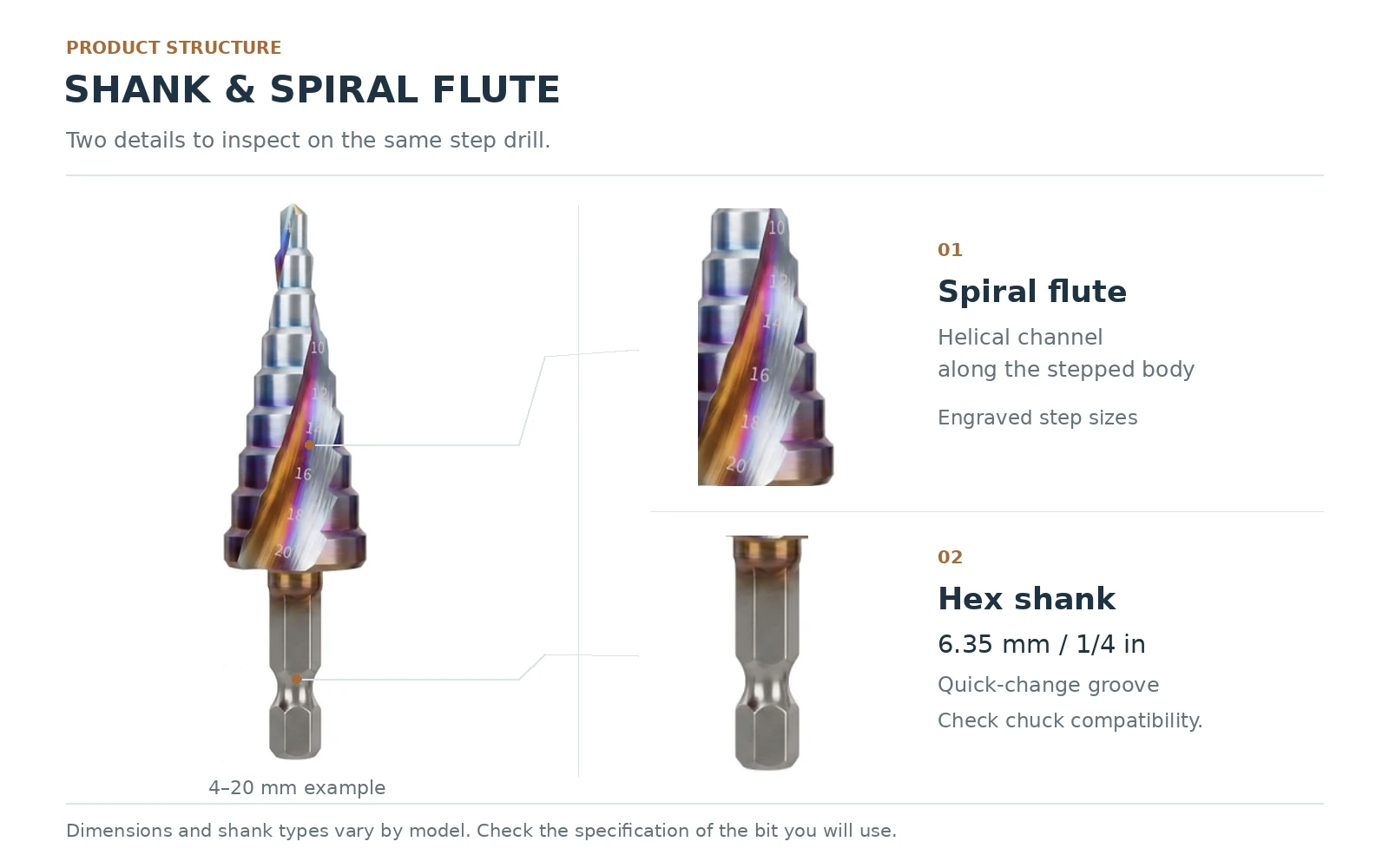
The shank must fit the holder; the cutting body must clear the surrounding part.
Record flute form separately from diameter sequence so a substitution is visible in the order.
Compare shank shape, diameter and clamping range.
Use the selected material and finish description; colour is not a specification.
The chuck holds the shank; it does not define the cutting range. A matching shank cannot make an unsuitable diameter sequence fit the job.
Avoid Common Size-Chart Errors
Do not read a range as continuous coverage, assume a photographed set has every required size or use total length as step depth.
Keep units visible in the item list. A chart photograph is not a substitute for the measured dimensions of the tool being supplied.
A diameter chart should be read with the drawing for step depth and shank form. Keep the selected tool reference beside the required hole list.
| Error | Correction |
|---|---|
| Buying by maximum diameter | Check every required step |
| Ignoring sheet thickness | Compare usable step depth |
| Treating two sets as equal | List individual tool sequences |
| Assuming shank fit | Check the holder and shank form |
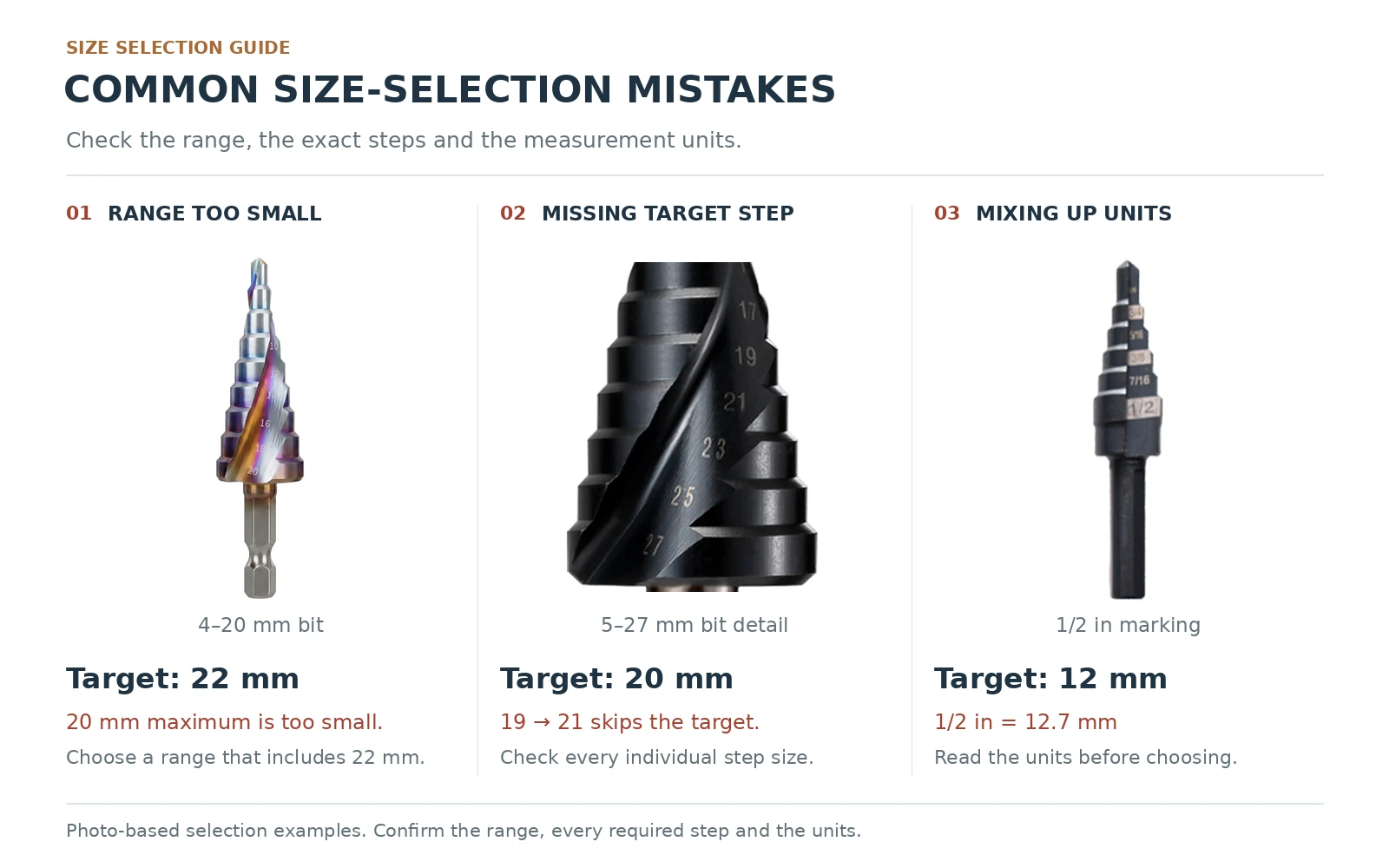
Use the step drill bit collection to compare pictured forms after preparing the diameter and thickness requirements.
Frequently Asked Questions
Does a size range include every diameter between its endpoints?
No. Read the individual steps and increments.
Is total tool length the maximum sheet thickness?
No. Check usable depth at the required cutting diameter.
Can equal maximum diameters mean different tools?
Yes. Intermediate sequences, depths and shank forms can differ.
Should set contents be identified from the case image alone?
No. List the tools and diameter sequences in the item specification.
What should a repeat order record include?
Step sequence, usable depths, selected material, flute form and shank.
Conclusion
A useful step-drill purchase list identifies required diameters, usable depths, workpiece thickness and holder fit. Keep the complete sequence with the item reference for repeat orders.
Step Drill Use & Sharpening / Selection: selection details
Choose a step drill by diameter sequence and the axial length of each step. State sheet thickness and the exact material before selecting the tool. Use and sharpening decisions need the actual geometry; a generic speed, angle or wood-drilling claim should not be transferred across every step drill.
| Selection detail | Why it matters |
|---|---|
| Hole size | Select an actual step, rather than stopping between two diameters. |
| Sheet thickness | Compare with that step’s axial length, not overall flute length. |
| Sharpening | Preserve cutting geometry; an included-angle chart is not a complete servicing method. |
Do not treat overall flute length as the usable depth of every step.
Send Step Range & Sheet ThicknessSelection questions for Step Drill Use & Sharpening / Selection
Can a step drill be sharpened from a universal angle chart?
Do not assume so. Preserve the actual cutting geometry and follow the tool maker’s instructions or qualified service advice.
Can a step drill be used for a long cylindrical hole?
Its stepped profile limits each cylindrical diameter to the axial length of that step. Choose a different tool when the hole geometry requires it.
Do not treat overall flute length as the usable depth of every step.
Send Step Range & Sheet Thickness →